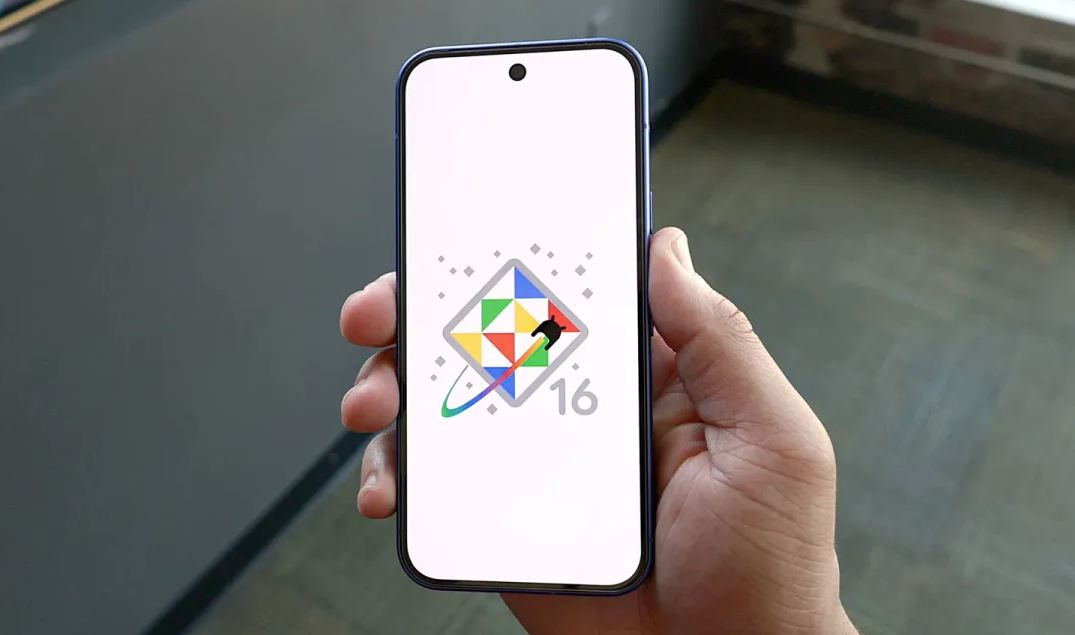
Android 16 QPR2 Beta 3 is officially rolling out to Pixel devices, marking another major step toward the stable December release. This new Quarterly Platform Release (QPR2) brings several UI refinements, system updates, and under-the-hood improvements aimed at enhancing performance and overall stability.
What’s New in Android 16 QPR2 Beta 3
Google continues to fine-tune the Android 16 experience with Beta 3, introducing a range of visual and functional updates for Pixel users. As usual, the latest beta compares Android 16 QPR2 Beta 2 (shown on the left) with QPR2 Beta 3 (shown on the right) to highlight what’s new in this release.
Over the next several hours, we’ll be diving into every change and feature found in this latest beta. Be sure to check back frequently for updates, as this list will continue to grow as new findings are uncovered.
How to Install Android 16 QPR2 Beta 3
If you want to get hands-on with Android 16 QPR2 Beta 3 right now, it’s available for a wide range of Pixel devices. You can install it manually or enroll your phone in the Android Beta Program.
Compatible devices include:
Pixel 6, Pixel 6 Pro
Pixel 7, Pixel 7 Pro, Pixel 7a
Pixel 8, Pixel 8 Pro, Pixel 8a
Pixel 9, Pixel 9 Pro, Pixel 9 Pro XL, Pixel 9 Pro Fold, Pixel 9a
Pixel 10, Pixel 10 Pro, Pixel 10 Pro XL, Pixel 10 Pro Fold
Pixel Tablet and Pixel Fold
To get started, follow our step-by-step installation guide for Android 16 QPR2 Beta 3 to ensure a smooth update process.
Release Timeline
Google is expected to finalize Android 16 QPR2 in December 2025 as part of the next quarterly platform update, bringing new customization features, improved multitasking, and additional Pixel-exclusive tools.
Stay tuned as we explore all of Android 16 QPR2 Beta 3’s latest changes, UI tweaks, and hidden enhancements — and check out our full gallery for side-by-side comparisons between Beta 2 and Beta 3.
Bigger icons in Pixel Launcher search bar
- Microphone, Google Lens, and AI Mode


Expanded Identity Check


Notification history tweaks
- Matching the design of actual notifications with full app icons + new card shape


Bug: Unable to change lockscreen clocks

Widgets on lock screen lose ‘When to automatically show’ options
- Besides the settings pages getting moved around, we’re no longer seeing the ability to set: Never, While charging, or While upright and charging, and Restrict to wireless charging


Live Caption shortcut in volume slider
- Previously, you had to open the full Volume sheet
- Disabling “Live Caption in volume control” in Settings > Sound & vibration > Live caption will also remove the shortcut from the sheet


Increment markers in Vibration & haptics


New ‘plus’ button to add app shortcuts to homescreen
- Dragging still available

Media player back on lockscreen